
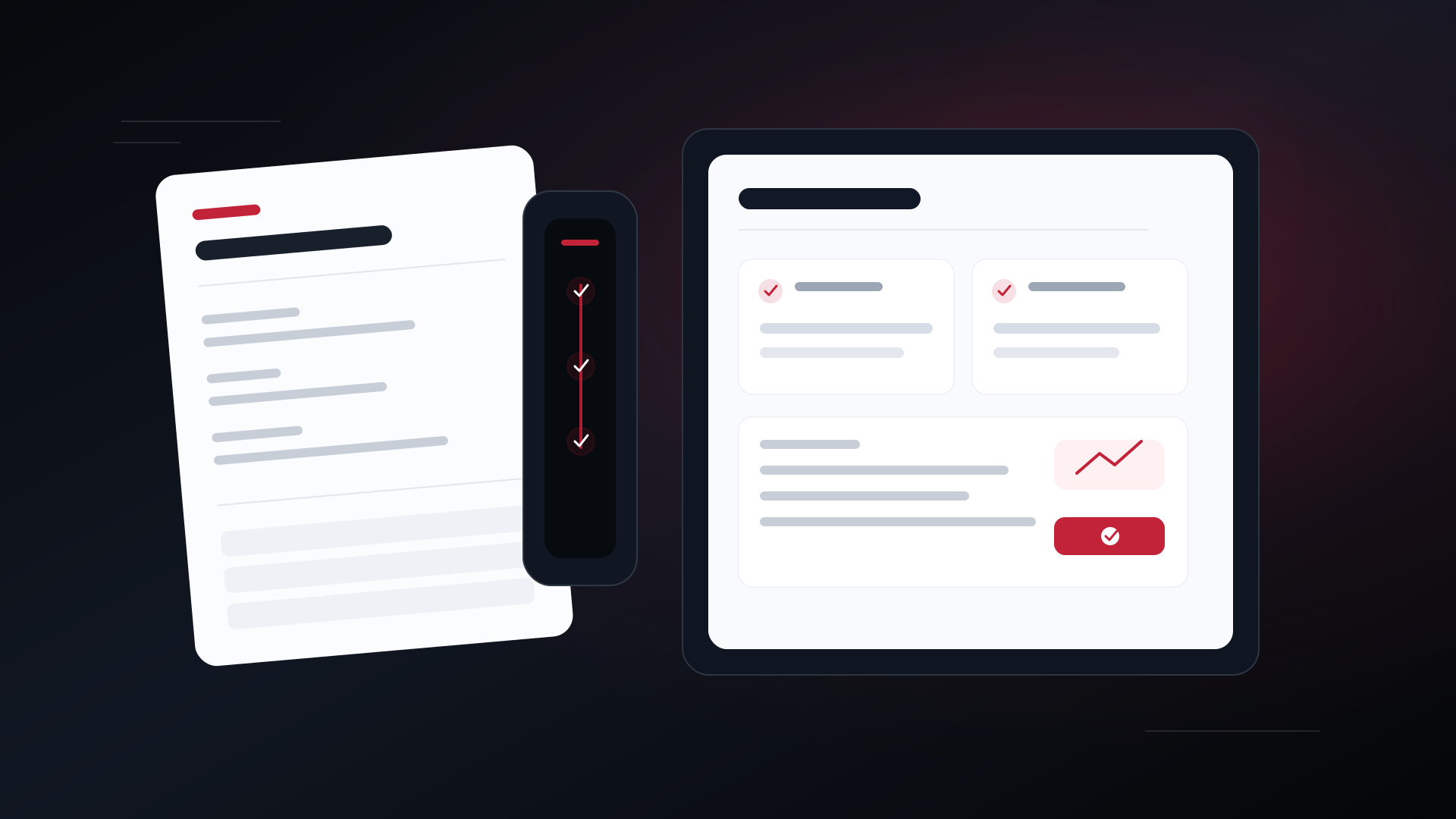
Main view of AI import: invoices and load orders in Powerload
Home Solutions

Powerload solution

AI import: invoices and load orders

Upload a PDF or photo and fill expenses, invoices or load orders.

Upload a PDF or photo and fill expenses, invoices or load orders.

Integrated with Powerload Multilingual experience Built for European operations

Overview

Everything you need in one workflow

One product to read documents with AI. Upload a supplier invoice, an expense ticket or a load order: the system extracts amount, dates, parties and route. You review and confirm. The same quota covers TMS expenses, custom invoices and new trips. Every month includes 5 free extractions, even if you subscribe to this product; the paid quota is added on top of those 5.

Operational value

Why it helps

The main capabilities of AI import: invoices and load orders, presented clearly for your operation.

01

One quota for expense, invoice and load order

02

PDF and image (JPG, PNG, WebP)

03

Review before confirming

04

Detects NIF/CIF and VAT line items

Before you start

Requirements

Review these points to activate and use the solution correctly.

  • Company registered on Powerload with an allowed role
  • Only the company owner can subscribe or cancel
  • PDF or image of an invoice, receipt or load order (max 8 MB)
  • Creating a trip still requires TMS trip quota and a review of pickup/delivery

Next step

Get started with AI import: invoices and load orders

Create your Powerload account and configure the solution from one platform.